
Uncategorized
Why Every Professional Needs a Laptop Stand in 2026
Jun
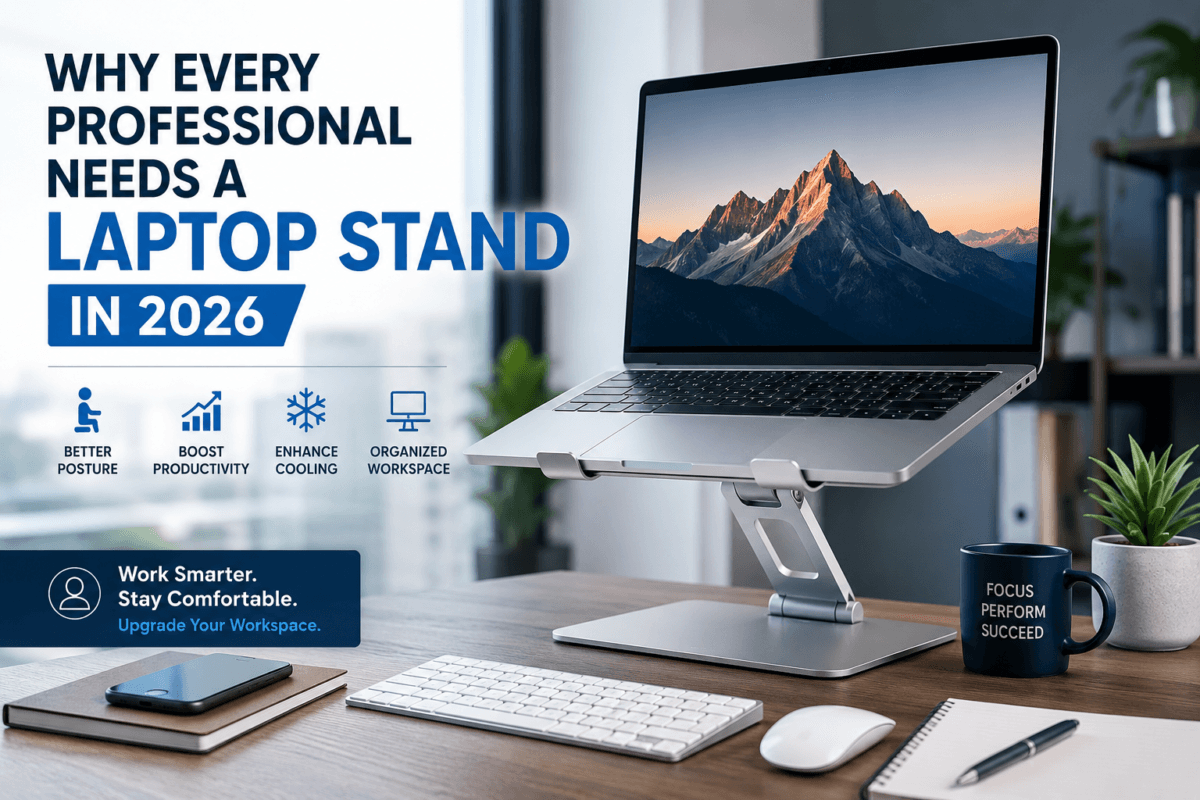
A laptop stand is an ergonomic accessory designed to raise your laptop to a comfortable viewing height. Instead of constantly looking down at your screen, a stand positions your laptop closer to eye level, helping you maintain proper posture throughout the workday.
A quality laptop stand doesn’t just elevate your screen it also enhances comfort, improves ergonomics, keeps your laptop cooler, and helps you work more efficiently. Here’s why every professional should invest in one:
1. Improve Your Posture and Reduce Physical Strain
One of the biggest advantages of using a laptop stand is better ergonomics.
When your laptop sits flat on a desk, you’re forced to bend your neck and shoulders forward. Over time, this poor posture can cause:
- Neck pain
- Shoulder tension
- Upper back discomfort
- Wrist strain
- Headaches
- Fatigue
A laptop stand elevates the screen to a more natural eye level, encouraging a healthier sitting position. Pair it with an external keyboard and mouse for an ergonomic workstation that supports comfort during long work sessions.
2. Boost Productivity Throughout the Day
Comfort and productivity go hand in hand.
When you’re not constantly adjusting your posture or dealing with discomfort, you can stay focused on your work for longer periods. An ergonomic desk setup helps reduce distractions and supports better concentration.
Professionals who use a laptop stand often find it easier to:
- Complete tasks efficiently
- Stay organized
- Maintain focus during long work hours
- Enjoy a more comfortable workspace
Whether you’re working from home or in a corporate office, small ergonomic improvements can make a big difference.
3. Keep Your Laptop Cooler
Modern laptops are powerful, but they also generate heat—especially when running demanding software, multitasking, or participating in video conferences.
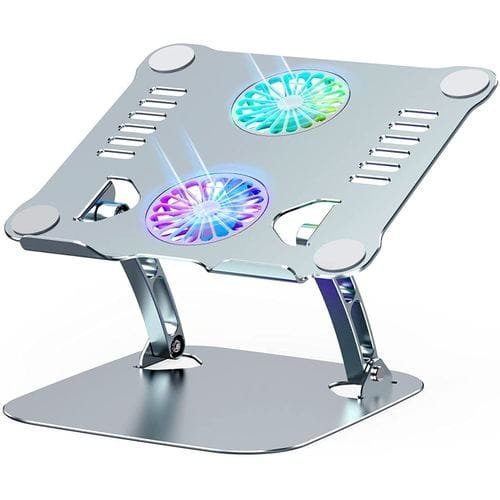
A laptop stand improves airflow beneath the device, allowing heat to dissipate more effectively. Better ventilation helps your laptop operate more efficiently and can contribute to longer hardware life.
For professionals who rely on their laptops every day, improved cooling means better performance and greater reliability.
4. Create a More Organized Workspace
A clutter-free desk promotes efficiency.
Laptop stands free up valuable desk space by creating room underneath the laptop for accessories such as:
- External keyboards
- Wireless mice
- Docking stations
- Notebooks
- USB hubs
- Portable hard drives
A cleaner workspace not only looks professional but also helps improve concentration and workflow.
5. Look More Professional During Video Meetings
Video conferencing remains a key part of modern business communication in 2026.
When your laptop rests flat on a desk, the camera points upward, creating an unflattering angle. A laptop stand raises your camera closer to eye level, making virtual meetings appear more natural and professional.
Whether you’re attending client presentations, team meetings, interviews, or webinars, better camera positioning helps you make a positive impression.
6. Perfect for Hybrid and Remote Work
The rise of hybrid and remote work has transformed how professionals set up their workspaces.
A lightweight, foldable laptop stand allows you to maintain an ergonomic workstation wherever you work whether it’s your home office, a co-working space, or while traveling.
Portable laptop stands are especially useful for:
- Remote employees
- Freelancers
- Consultants
- Business travelers
- Students
7. Supports Better Multi-Monitor Setups
Many professionals use external monitors alongside their laptops.
A laptop stand raises the laptop screen to align with the height of the external display, creating a more comfortable dual-screen experience. This reduces constant head movement and improves workflow when multitasking.
Choosing the Right Laptop Stand
Not all laptop stands are the same. Before purchasing one, consider the following:
Compatibility
Choose a stand that supports your laptop’s size and weight.
Adjustability
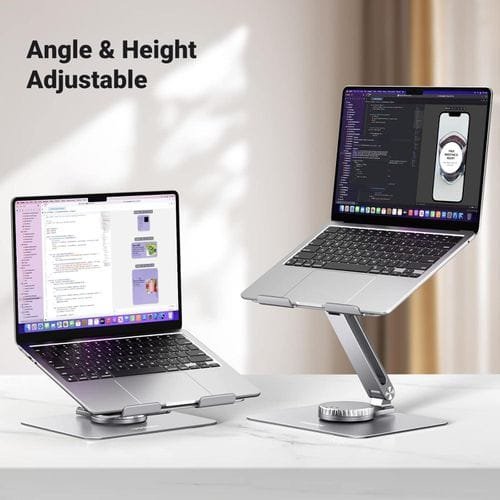
An adjustable laptop stand lets you customize the height and viewing angle for maximum comfort.
Build Quality
Aluminum laptop stands are durable, stable, and excellent at dissipating heat.
Portability
If you work in multiple locations, opt for a lightweight foldable design that’s easy to carry.
Stability
Look for anti-slip rubber pads and a sturdy construction to keep your laptop secure.
Who Should Use a Laptop Stand?
A laptop stand is ideal for anyone who uses a laptop regularly, including:
- Office professionals
- Remote workers
- Students
- Software developers
- Graphic designers
- Architects
- Engineers
- Accountants
- Digital marketers
- Content creators
- Business executives
- Entrepreneurs
Regardless of your profession, a laptop stand can help create a healthier and more productive workspace.
Essential Accessories to Pair with a Laptop Stand
For the best ergonomic setup, combine your laptop stand with:
- Wireless keyboard
- Ergonomic mouse
- USB-C docking station
- External monitor
- Laptop cooling pad
- Webcam
- Noise-cancelling headset
- Cable management accessories

These additions create a professional workstation that supports comfort and efficiency throughout the day.
Final Thoughts
A laptop stand may seem like a simple accessory, but its impact on your daily work routine is significant. From improving posture and reducing physical strain to enhancing productivity and laptop performance, it’s a smart investment for professionals in every industry.
As workplaces continue to evolve in 2026, creating an ergonomic and organized workspace is more important than ever. Whether you’re working from home, in the office, or on the move, a quality laptop stand can help you stay comfortable, focused, and productive.
If you’re upgrading your workspace this year, make a laptop stand one of your first investments.
