
Access control, Networking
TP-Link Access Points in Kenya: Reliable Wi-Fi Solutions for Homes and Businesses
Nov
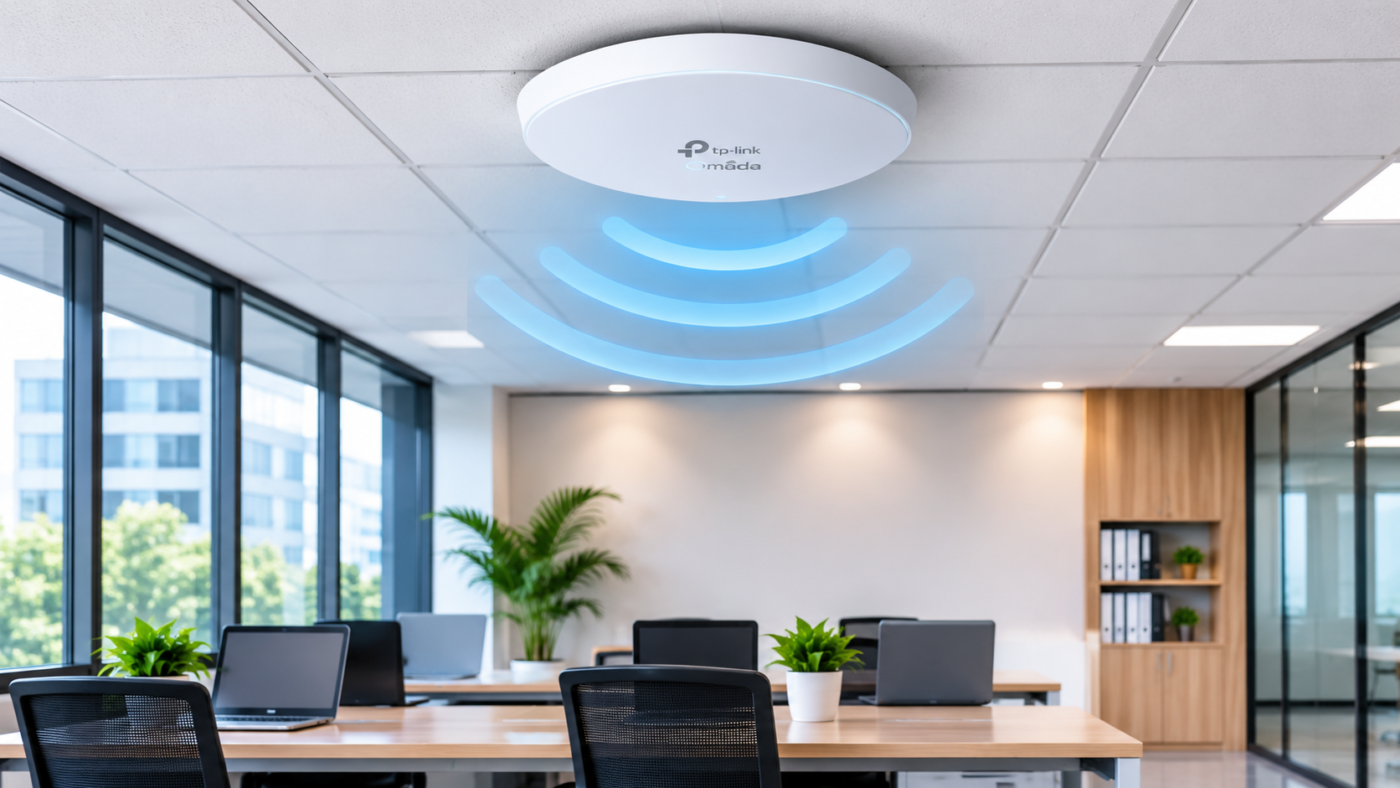
TP-Link Access Points provide an effective solution for expanding Wi-Fi coverage, improving network performance and connecting multiple wireless devices. With a range of indoor and outdoor access points, TP-Link offers wireless networking solutions for different environments and connectivity requirements.
In this guide, we explore the benefits of TP-Link Access Points, their features and why they are a suitable choice for wireless networking in Kenya.
What is a TP-Link Access Point?
A wireless access point (AP) is a networking device that allows wireless-enabled devices such as laptops, smartphones, tablets, printers and smart devices to connect to a wired network through Wi-Fi.
Unlike a basic wireless router, which typically combines routing and wireless functions, an access point primarily extends wireless network coverage.
TP-Link Access Points are designed to provide reliable wireless connectivity in areas where a single router may not deliver sufficient coverage. They are particularly useful in large offices, schools, hotels, warehouses and other commercial environments.
Why Choose TP-Link Access Points?
TP-Link has developed a range of wireless networking products designed to meet different connectivity needs. Here are some reasons to consider TP-Link Access Points for your network.
1. Improved Wi-Fi Coverage
One of the biggest challenges in wireless networking is poor signal coverage. Large buildings, thick walls and multiple floors can affect Wi-Fi performance.
TP-Link Access Points help extend wireless coverage by providing additional access points in strategic locations. This allows users to enjoy more consistent connectivity across different areas of a building.
2. High-Speed Wireless Connectivity
TP-Link offers access points supporting different Wi-Fi standards, including Wi-Fi 5, Wi-Fi 6 and Wi-Fi 7 on selected models.
These technologies offer improved wireless speeds, better efficiency and support for multiple connected devices.
For businesses with several employees accessing cloud applications, video conferencing platforms and online systems, choosing the right wireless technology can significantly improve network performance.
3. Centralised Network Management
Selected TP-Link Omada access points support centralised management through the Omada Software Controller, Hardware Controller or Cloud-Based Controller.
This allows network administrators to manage multiple access points from a central platform.
Depending on the deployment, administrators can:
- Monitor connected wireless devices.
- Configure wireless network settings.
- Create separate guest Wi-Fi networks.
- Manage multiple access points.
- Monitor network performance.
- Apply security and access policies.
Centralised management is particularly useful for businesses operating across multiple offices or buildings.
4. Power over Ethernet (PoE) Support
Many TP-Link Access Points support Power over Ethernet (PoE), allowing both power and data to be transmitted through a single Ethernet cable.
This reduces the need for separate power connections and makes installation easier, especially when mounting access points on ceilings or walls.
However, PoE standards and power requirements vary by model, so it is important to confirm compatibility with your PoE switch or injector.
5. Secure Wireless Networking
Network security is essential for businesses handling sensitive information.
Selected TP-Link access points support advanced wireless security features, including WPA2 and WPA3, depending on the model.
Additional features available on selected Omada devices include guest network management, VLAN support, captive portals and client isolation.
These features help businesses manage wireless access and separate different categories of network users.
Popular TP-Link Access Point Series
TP-Link provides different access point ranges for residential and commercial applications.
TP-Link Omada Access Points
The Omada series is designed for business and enterprise wireless networking.
Popular models include:
- EAP225: AC1350 dual-band wireless access point suitable for small offices and commercial environments.
- EAP245: AC1750 dual-band access point designed for business wireless deployments.
- EAP610: AX1800 Wi-Fi 6 access point offering improved efficiency and performance.
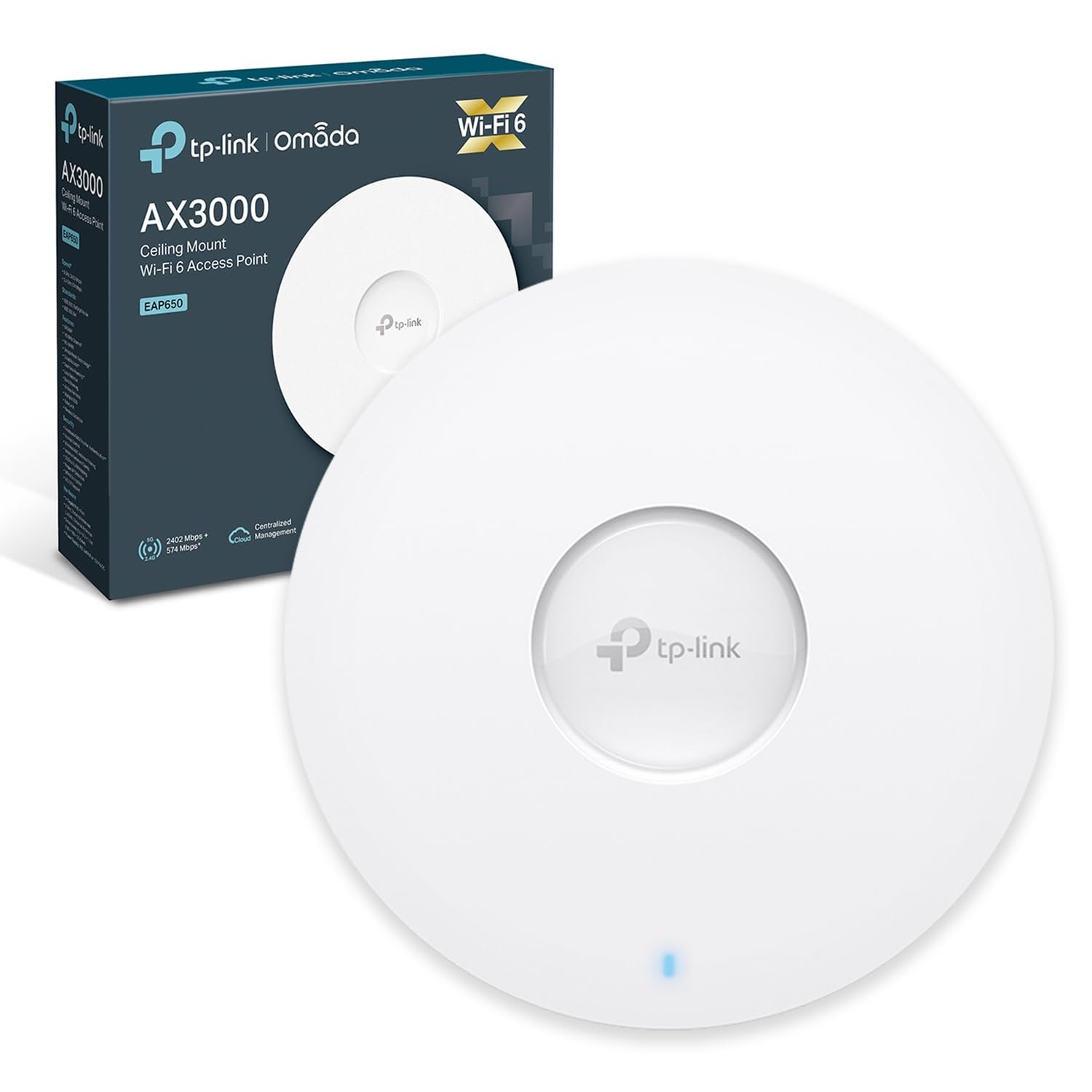
- EAP650: AX3000 Wi-Fi 6 access point suitable for demanding office environments.
- EAP670: AX5400 Wi-Fi 6 access point designed for higher-performance wireless deployments.
- EAP773: BE9300 Wi-Fi 7 access point designed for next-generation business wireless networks.
TP-Link Outdoor Access Points
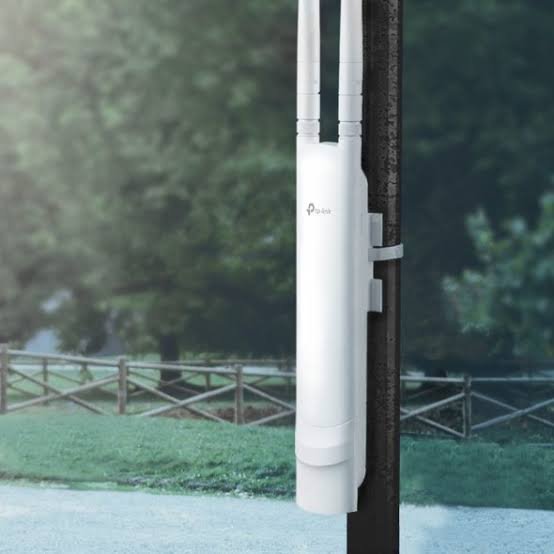
For outdoor wireless coverage, TP-Link offers access points designed to operate in external environments.
Examples include:
- EAP110-Outdoor: Outdoor wireless N access point for basic outdoor connectivity.
- EAP225-Outdoor: AC1200 dual-band outdoor access point.
- EAP610-Outdoor: AX1800 Wi-Fi 6 outdoor access point.
These devices are suitable for selected outdoor applications such as courtyards, gardens, outdoor office spaces and hospitality environments.
Always consider weather protection, mounting location and the required coverage area when selecting an outdoor access point.
Where Can You Use TP-Link Access Points?
TP-Link Access Points can support wireless networking requirements across different sectors.
Corporate Offices: Provide wireless connectivity for employees, visitors, laptops, smartphones and other office devices.
Schools and Universities: Support internet access in classrooms, libraries, laboratories and administrative offices.
Hotels and Restaurants: Extend Wi-Fi coverage to guest rooms, reception areas, conference facilities and outdoor spaces.
Warehouses: Provide wireless connectivity for inventory systems, handheld devices and network-enabled equipment.
Shopping Centres: Support wireless connectivity for customers, employees and business operations.
Homes: Extend Wi-Fi coverage to rooms and areas where the main router struggles to provide a strong signal.
Factors to Consider When Buying TP-Link Access Points in Kenya
Before purchasing an access point, consider the following:
- Coverage area: Determine the size of the building and the number of rooms or floors requiring wireless coverage.
- Number of users: Consider how many devices will connect simultaneously.
- Wireless standard: Choose between Wi-Fi 5, Wi-Fi 6 and Wi-Fi 7 depending on your requirements.
- Indoor or outdoor installation: Select a model designed for the intended environment.
- PoE compatibility: Confirm whether the access point requires PoE, PoE+ or a separate power adapter.
- Network management: Consider Omada centralised management if you intend to deploy multiple access points.
- Security: Look for appropriate encryption, VLAN and guest network features.
Proper access point placement and network configuration are equally important in achieving reliable wireless performance.
Conclusion
TP-Link Access Points provide practical wireless networking solutions for homes, offices, schools, hotels and commercial environments.
With options ranging from basic wireless access points to advanced Omada Wi-Fi 6 and Wi-Fi 7 devices, businesses can select solutions that match their connectivity needs and future expansion plans.
Investing in the right access points can improve wireless coverage, enhance user experience and support reliable business operations.
