
Networking, Trend
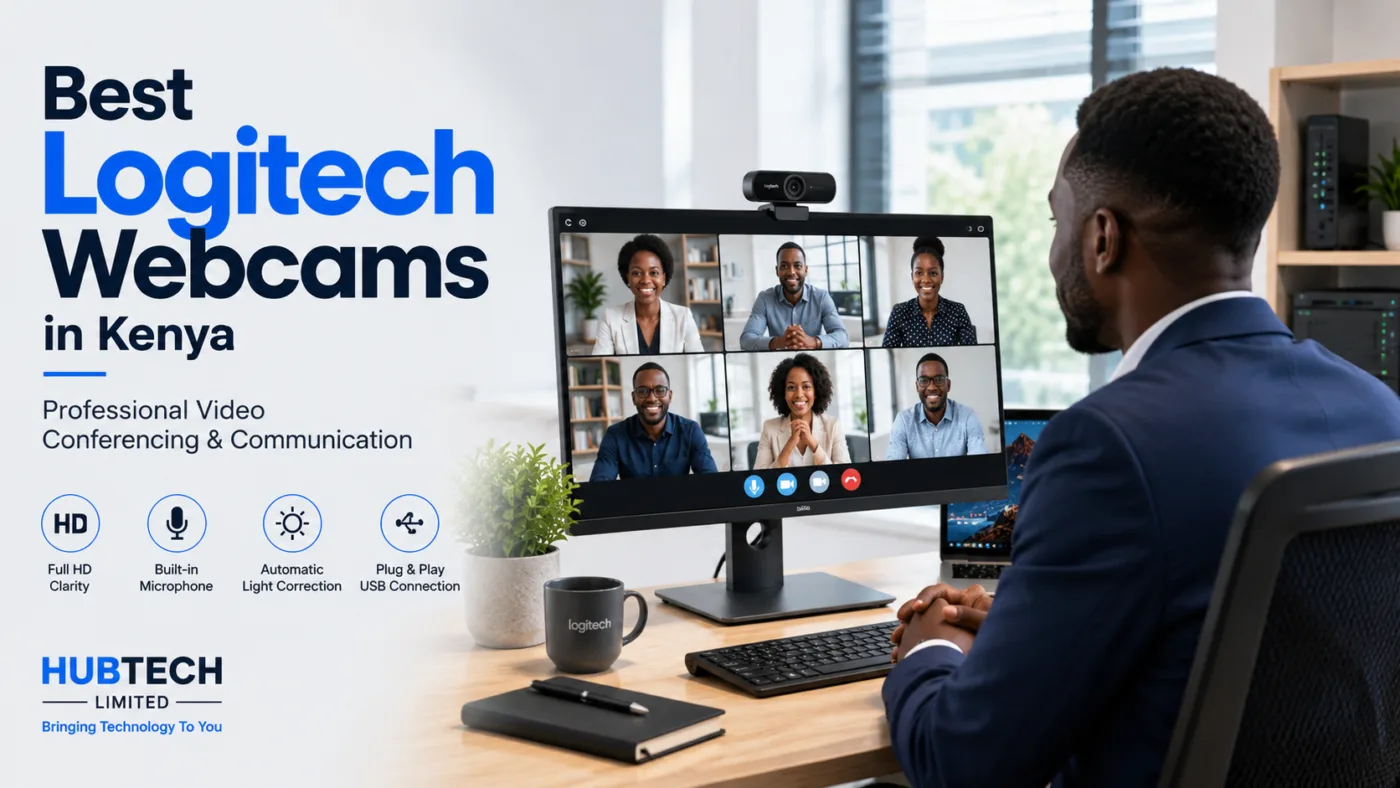
Best Logitech Webcams in Kenya for Business, Meetings & Streaming
Aug
Logitech webcams are designed to deliver clear video, quality audio, and convenient USB connectivity for a wide range of applications. From compact webcams for everyday office use to advanced Full HD and 4K webcams, Logitech offers solutions for individuals, businesses, schools, and content creators.
If you are looking for a Logitech webcam in Kenya, choosing the right model depends on your video quality requirements, environment, application, and budget.
Why Choose a Logitech Webcam?
A laptop’s built-in camera may be sufficient for basic video calls, but a dedicated Logitech webcam can provide better image quality, positioning flexibility, and additional features.
1. High-Quality Video
Logitech webcams are available in different resolutions, including HD, Full HD, and 4K.
Higher-resolution webcams can provide sharper and more detailed images, making them particularly useful for:
- Business video conferencing
- Online meetings
- Virtual interviews
- Online teaching
- Webinars
- Content creation
- Live streaming
For professional environments, a Logitech Full HD webcam can provide an excellent balance between image quality, performance, and affordability.
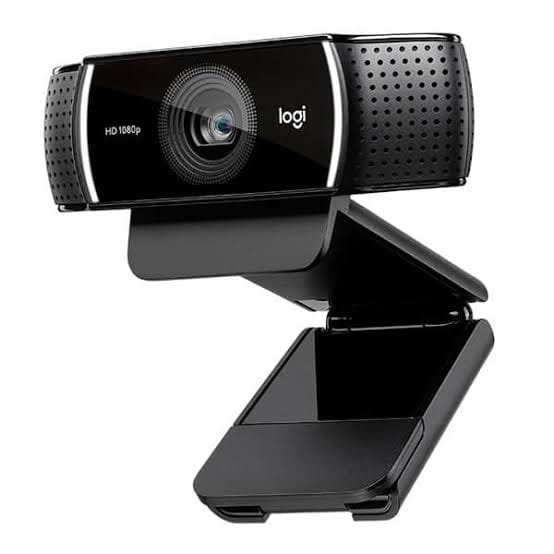
2. Full HD and 4K Resolution
One of the main factors to consider when purchasing a webcam is resolution.
HD webcams are suitable for basic video calls and everyday communication.
Full HD webcams provide improved clarity and are ideal for professional video meetings, remote work, online training, and presentations.
4K webcams provide significantly greater image detail and are suitable for professional content creation, high-quality video conferencing, demonstrations, and other applications where image quality is important.
The right resolution depends on your application and the capabilities of your computer and conferencing platform.
3. Autofocus for Sharper Video
Selected Logitech webcams feature autofocus technology that helps keep the subject sharp when they move closer to or farther away from the camera.
This is particularly useful for presentations, demonstrations, teaching, and professional meetings where users may move around during a session.
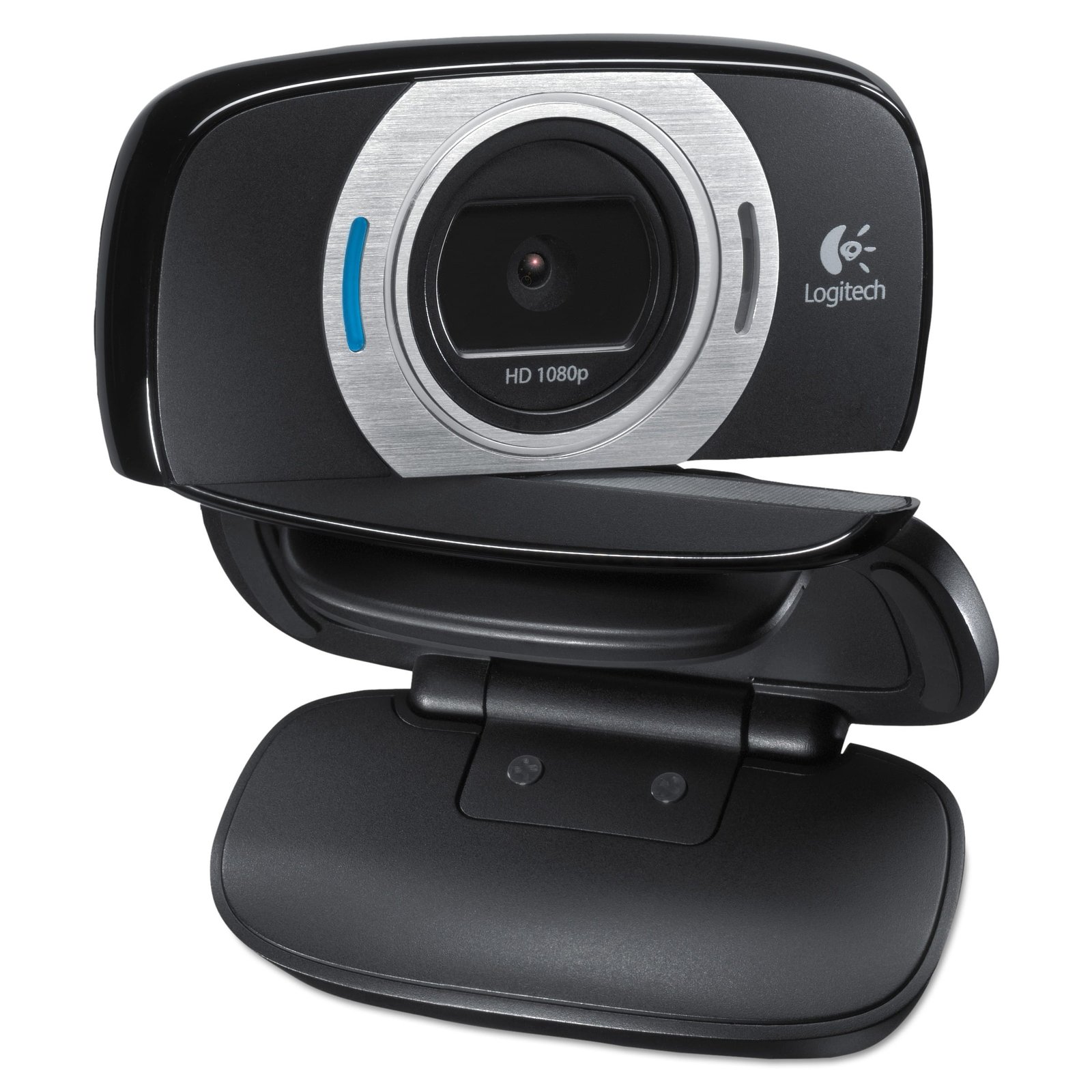
4. Automatic Light Correction
Lighting can have a major impact on webcam image quality.
Logitech webcams with automatic light correction can help optimize the image when lighting conditions are less than ideal. This can be useful in offices, classrooms, bedrooms, boardrooms, and home offices where professional lighting equipment may not be available.
For the best results, however, the webcam should still be positioned in a well-lit environment.
5. Built-In Microphones
Many Logitech webcams include integrated microphones, making them convenient for video conferencing without requiring a separate microphone.
Depending on the model, microphone technology may help reduce unwanted background noise and improve voice clarity.
This makes Logitech webcams suitable for:
- Zoom meetings
- Microsoft Teams
- Google Meet
- Online classes
- Remote interviews
- Virtual consultations
- Webinars
Logitech Webcams for Different Applications
Different users have different webcam requirements. Here are some common applications where Logitech webcams can be useful.
Logitech Webcams for Business
Businesses increasingly rely on video conferencing for communication with employees, customers, suppliers, and business partners.
A good webcam can help employees participate in virtual meetings with clearer video and audio.
Logitech webcams can be used in:
- Offices
- Home offices
- Meeting rooms
- Reception areas
- Training rooms
- Remote workstations
For businesses with multiple employees, deploying standardized webcams can also make IT support and equipment management easier.
Logitech Webcams for Remote Work
Remote workers need dependable communication tools to stay connected with their teams.
A dedicated Logitech webcam can provide an upgrade over a standard laptop camera, particularly when used with a good microphone and appropriate lighting.
For home offices, consider features such as Full HD resolution, autofocus, automatic light correction, and a suitable field of view.
Logitech Webcams for Online Learning
Schools, universities, trainers, and individual educators can use webcams for online lessons and virtual training.
A high-quality webcam allows students to see the instructor more clearly while supporting a more engaging online learning experience.
Logitech webcams can also be integrated into setups that include laptops, desktops, interactive displays, and other classroom technology.
Logitech Webcams for Content Creation
Content creators, YouTubers, streamers, trainers, and digital marketers can use webcams to produce professional-looking video without necessarily investing in a dedicated DSLR or mirrorless camera.
A Logitech 4K webcam can be particularly useful when high image detail is required.
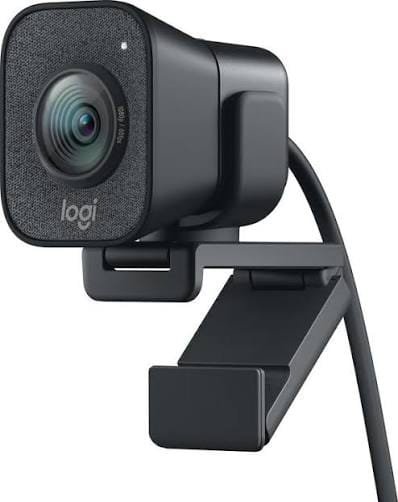
How to Choose the Best Logitech Webcam
When searching for the best Logitech webcam, do not focus only on resolution. Consider the complete feature set.
Resolution
Choose the resolution according to your application:
- HD: Suitable for basic video calls.
- Full HD: Excellent for professional meetings and everyday content creation.
- 4K: Suitable for high-detail video and professional content applications.
Frame Rate
Frame rate affects how smoothly movement appears on screen. A higher frame rate can be useful for streaming, presentations, demonstrations, and other applications involving movement.
Field of View
The field of view determines how much of the surrounding area the camera captures.
A narrower field of view may be suitable for individual users, while a wider field of view can be useful when several people need to appear on camera.
Autofocus
Autofocus is useful when the subject needs to move around during meetings, presentations, demonstrations, or recordings.
Microphone Quality
If you plan to use the webcam’s built-in microphone, consider models with microphone features designed to improve voice clarity and reduce unwanted background noise.
Mounting Options
A flexible mounting design allows you to position the webcam on a monitor, laptop, tripod, or other suitable surface.
Logitech Webcam vs Built-In Laptop Camera
Why purchase a dedicated webcam when your laptop already has one?
The main advantage is improved flexibility and, depending on the model, better image and audio quality.
| Feature | Laptop Camera | Logitech Webcam |
| Video Quality | Basic to good | HD to 4K depending on model |
| Positioning | Limited | Flexible |
| Autofocus | Model dependent | Available on selected models |
| Light Correction | Model dependent | Available on selected models |
| Microphone | Built-in | Built-in on many models |
| Upgradeability | Limited | Easy to upgrade |
| Applications | Basic video calls | Meetings, teaching, streaming and content creation |
For people who spend significant time on video calls, a dedicated webcam can be a worthwhile upgrade.
Logitech Webcams for Video Conferencing
A webcam for video conferencing should provide more than just a high-resolution image.
The ideal webcam should offer a combination of:
- Clear video
- Reliable autofocus
- Good light handling
- Clear audio
- Appropriate field of view
- Easy USB connectivity
- Compatibility with popular conferencing applications
Logitech webcams are commonly used for online meetings and collaboration because they are designed with video communication in mind.
How to Get the Best Performance from Your Logitech Webcam
Even the best webcam can produce poor results if it is incorrectly positioned.
Follow these simple tips:
Position the Camera at Eye Level
Place the webcam approximately at eye level. This creates a more natural perspective during video meetings.
Improve Your Lighting
Avoid having a bright window directly behind you. Instead, position your primary light source in front of you or slightly to the side.
Keep the Background Professional
For business meetings, use a clean and uncluttered background whenever possible.
Check Your Internet Connection
Video quality also depends on your internet connection and the video conferencing platform. A high-quality webcam cannot compensate for an unstable connection.
Select the Correct Camera in Your Application
After connecting the webcam, check your Zoom, Microsoft Teams, Google Meet, or other conferencing application settings to ensure that the Logitech webcam is selected as the video source.
Find the Right Logitech Webcam in Kenya
Whether you need a webcam for business video conferencing, remote work, online learning, content creation, or streaming, Logitech offers a wide range of options to suit different requirements. Choosing the right webcam involves considering resolution, autofocus, microphone quality, field of view, lighting performance, connectivity, and your intended application
