
CCTV Cameras
Tapo C200 Camera Review & Complete Guide
May
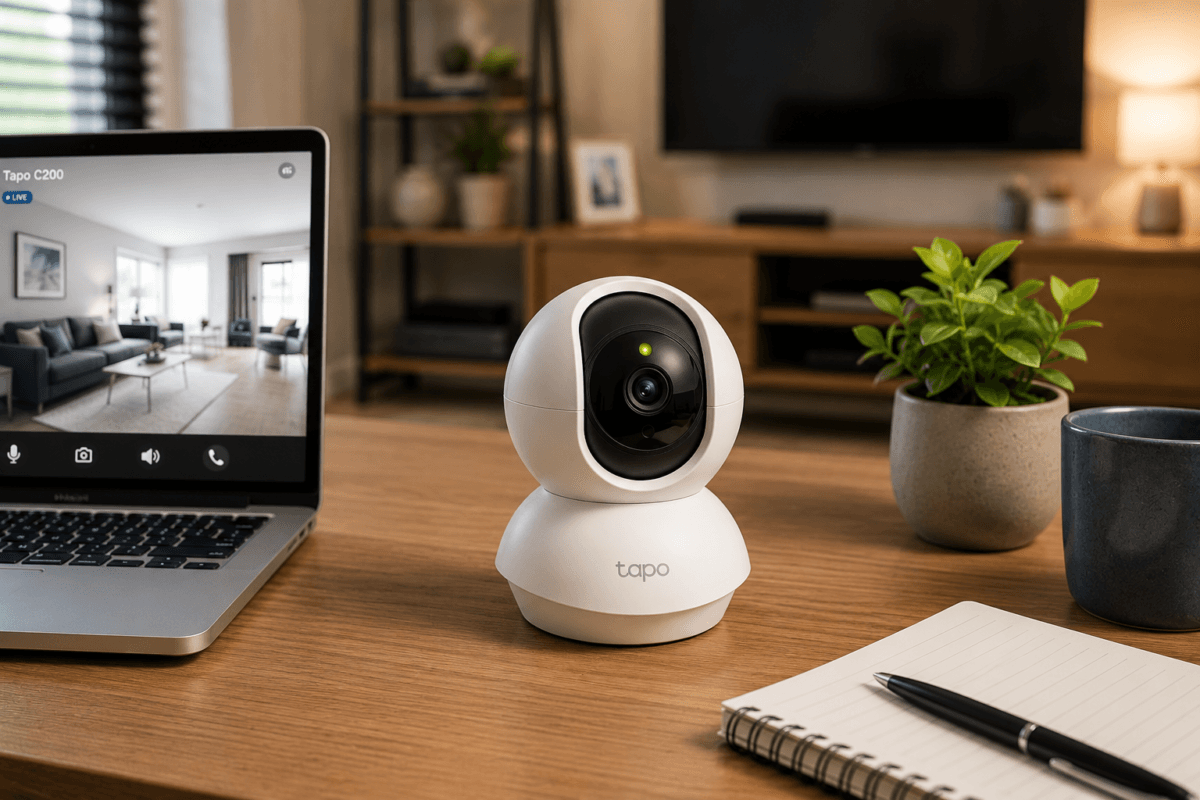
Among budget-friendly smart cameras, the TP-Link Tapo C200 stands out as one of the most popular choices worldwide.
This guide explains everything you need to know; features, benefits, setup, use cases, pros, cons, and whether the Tapo C200 is still worth buying in 2026.
What Is the Tapo C200 Camera?
The TP-Link Tapo C200 is an indoor Wi-Fi security camera designed for home surveillance, baby monitoring, pet watching, and small business security.
It combines pan-tilt motion control, Full HD video, night vision, and smart detection into an affordable smart-home device controlled entirely from your smartphone.
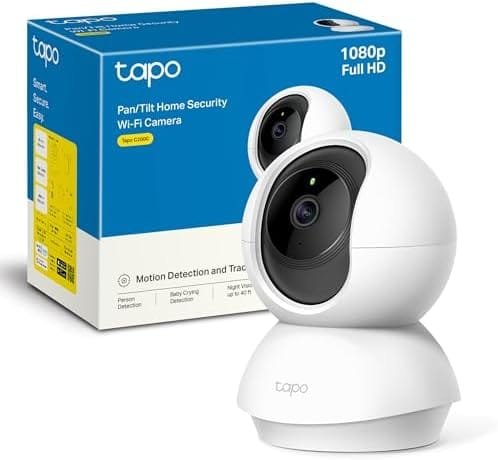
Key Features of Tapo C200
1. Full HD 1080p Video Quality
The camera records in 1080p Full HD resolution, allowing clear monitoring of rooms, entrances, or offices. You can zoom digitally through the mobile app to inspect details.
Best for:
- Indoor home security
- Monitoring kids or pets
- Small retail spaces
2. 360° Pan & 114° Tilt Coverage
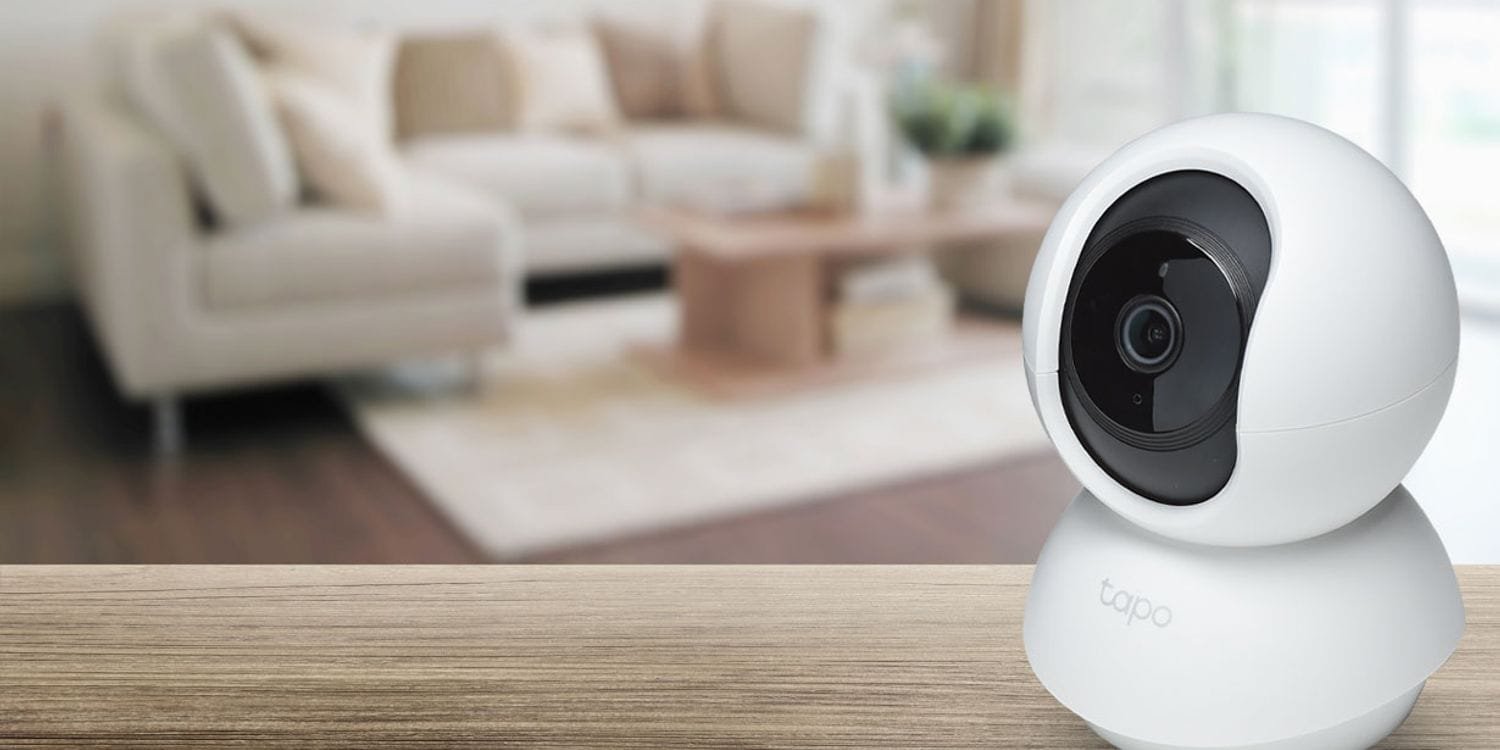
One of the biggest advantages is its motorized rotation:
- Horizontal Pan: 360°
- Vertical Tilt: 114°
Instead of installing multiple cameras, a single unit can cover almost an entire room.
3. Night Vision up to 30 ft (9 m)
The infrared night vision automatically activates in low light, enabling clear visibility even in complete darkness.
This makes it ideal for:
- Overnight monitoring
- Bedrooms
- Storage rooms
- Entryways
4. Motion Detection & Instant Alerts
The camera detects movement and sends real-time notifications to your phone.
You can customize:
- Detection sensitivity
- Activity zones
- Alert frequency
This helps reduce false alarms caused by fans, lights, or pets.
5. Two-Way Audio Communication
Built-in microphone and speaker allow you to:
- Talk to family members remotely
- Communicate with pets
- Warn intruders
All communication happens through the Tapo mobile app.
6. Local & Cloud Storage Options
Users can choose between:
- MicroSD card storage (up to 512GB)
- Optional cloud recording subscription
Local storage is popular because it avoids monthly fees.
Easy Setup Process
Setting up the Tapo C200 takes only a few minutes:
- Plug in the camera.
- Download the Tapo app.
- Connect to Wi-Fi.
- Scan the QR code.
- Start live monitoring.
No professional installation is required.
Real-World Use Cases
Home Security
Monitor living rooms, entrances, or indoor hallways when away.
Baby Monitor
Parents use the camera as an affordable baby monitor thanks to night vision and audio communication.
Pet Monitoring
Check on pets while at school or work and talk to them remotely.
Small Business Surveillance
Perfect for shops, offices, or reception areas needing basic indoor security.
Advantages of the Tapo C200
Affordable price
Wide room coverage with pan-tilt
Simple mobile control
Good night vision performance
Local storage available
Beginner-friendly setup
Limitations to Consider
Indoor use only (not weatherproof)
1080p resolution (newer models offer 2K or 4K)
Requires stable Wi-Fi connection
Despite these limits, it remains one of the best entry-level smart cameras.
Tapo C200 vs Newer Models
Newer cameras like the Tapo C210 offer higher resolution, but many users still prefer the C200 because:
- It is cheaper
- Easier to configure
- Reliable for everyday monitoring
For most homes, Full HD is already sufficient.
Is the Tapo C200 Worth Buying in 2026?
Yes — especially if you want:
- A budget indoor security camera
- Simple smart-home monitoring
- Reliable daily surveillance without complex setup
The TP-Link Tapo C200 remains one of the best value indoor cameras available today.
Final Verdict
The Tapo C200 continues to dominate the affordable smart camera category because it balances price, functionality, and ease of use.
If you need a dependable indoor camera for home monitoring, pets, or small business security, this device is still an excellent choice in 2026.
