
Printing
Best Brother Label Printers in 2026: Top Models, Features, Reviews & Buying Guide
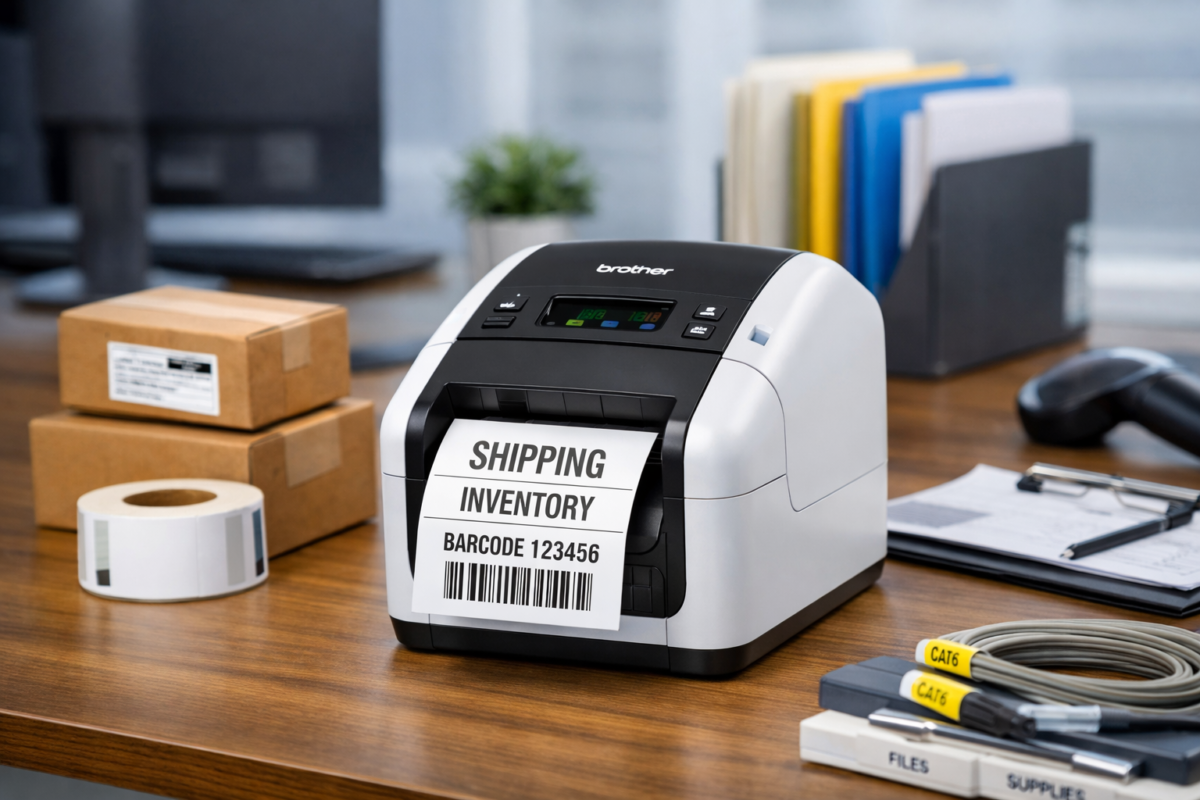
Feb
Labeling is no longer just about organization anymore, it’s about efficiency, branding, compliance, and workflow optimization.
In 2026, Brother label printers remain among the most reliable and versatile labeling solutions for businesses, warehouses, retail stores, healthcare facilities, and home offices.
This guide explores the best Brother label printers in 2026, compares their features, explains use cases, and helps you select the ideal model for your operational needs.
Why Brother Label Printers Dominate the Market in 2026
Brother continues to lead the labeling industry because of:
- Direct thermal and thermal transfer technology
- Durable laminated TZe tapes
- High-speed commercial-grade printing
- Network-ready and cloud integration options
- Cross-platform compatibility (Windows, macOS, iOS, Android)
Whether you are labeling files, barcodes, inventory shelves, cables, shipping cartons, or retail products, Brother provides scalable solutions from entry-level handheld models to industrial-grade systems.
Top Brother Label Printers in 2026 (Detailed Review)
1. Brother QL-820NWB – Best for Offices & SMEs
The Brother QL-820NWB remains one of the most versatile professional label printers available.
Key Specifications:
- Print Speed: Up to 110 labels per minute
- Connectivity: USB, Ethernet, Wi-Fi, Bluetooth
- Label Width: Up to 62mm
- Printing: Black & red on compatible labels
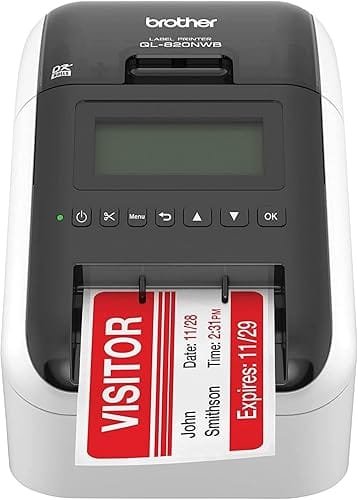
Ideal For:
- Office file labeling
- Visitor badges
- Address labels
- Small retail packaging
Why choose it?
It balances speed, connectivity, and flexibility, making it perfect for SMEs and front-office operations.
2. Brother QL-1110NWB – Best for Shipping & Warehousing
If you run logistics, e-commerce, or inventory-heavy operations, this model stands out.
Key Specifications:
- Wide-format printing (up to 4 inches / 103mm)
- Network integration for warehouse systems
- High-volume performance
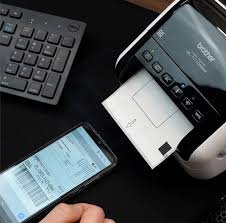
Ideal For:
- Shipping labels
- Barcode labels
- Amazon FBA sellers
- Inventory management
Competitive Advantage:
Supports 4” x 6” shipping labels without cropping — critical for courier compliance.
3. Brother PT-P900W – Best for Custom Business Labeling
This professional P-touch model delivers high-resolution, durable labels.
Key Specifications:
- Thermal transfer technology
- TZe laminated tapes
- Wi-Fi connectivity
- Industrial-grade durability
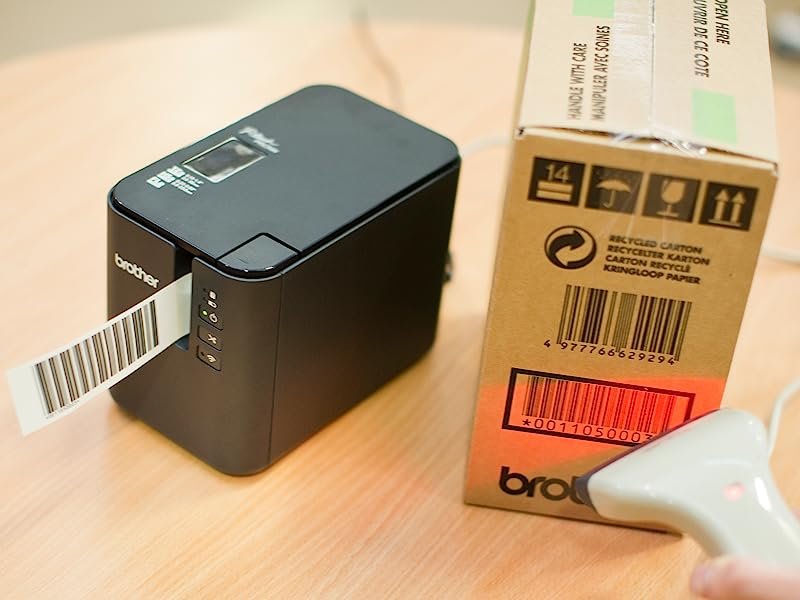
Ideal For:
- Asset tagging
- Equipment labeling
- Cable management
- Electrical panels
Why it matters:
Laminated labels resist water, chemicals, UV exposure, and abrasion — essential for long-term identification.
4. Brother VC-500W – Best Color Label Printer
Unlike most thermal label printers, the VC-500W uses ZINK® technology to produce full-color labels without ink cartridges.
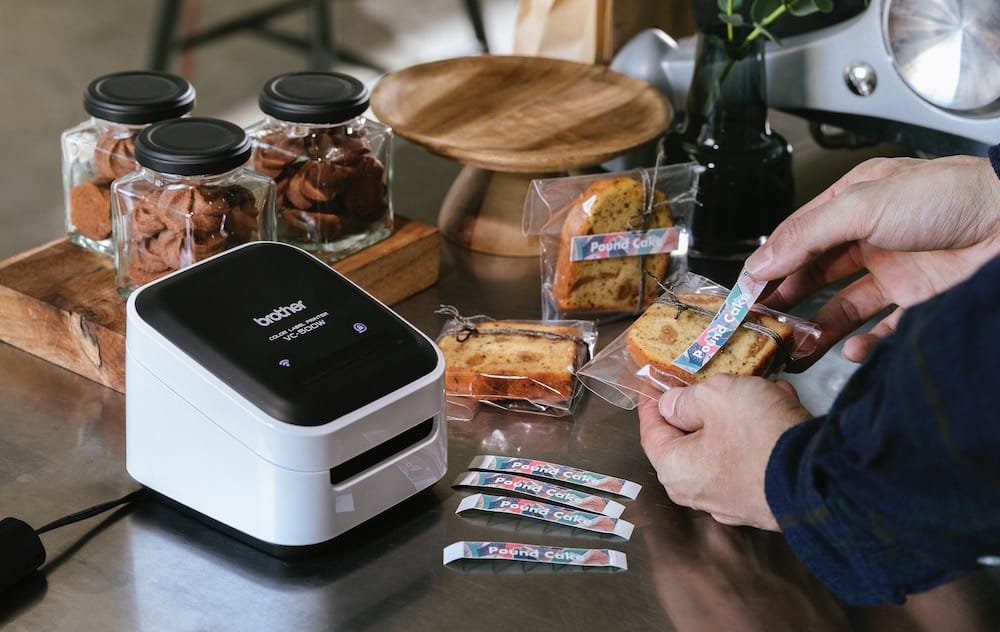
Ideal For:
- Branding labels
- Product packaging
- Event tags
- Craft projects
It’s more creative-focused than industrial but ideal for small retail brands wanting eye-catching labels.
5. Brother PT-H110 – Best Budget Portable Label Printer
Affordable and easy to use.
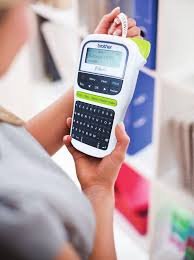
Ideal For:
- Home organization
- School supplies
- Small office labeling
This is a practical starter option with essential features.
Brother Label Printer Comparison (2026)
| Model | Best Use Case | Connectivity | Max Width | Print Tech | Volume Level |
| QL-820NWB | Office & SME | Wi-Fi, BT, Ethernet | 62mm | Direct Thermal | Medium-High |
| QL-1110NWB | Shipping/Warehouse | Wi-Fi, Ethernet | 103mm | Direct Thermal | High |
| PT-P900W | Industrial | Wi-Fi, USB | 36mm | Thermal Transfer | High |
| VC-500W | Creative/Branding | Wi-Fi, USB | 50mm | ZINK Color | Low-Medium |
| PT-H110 | Home | USB | 12mm | Thermal Transfer | Low |
Key Features to Consider When Buying a Brother Label Printer
1. Direct Thermal vs Thermal Transfer
- Direct Thermal – No ink required, ideal for shipping labels
- Thermal Transfer – Uses ribbon + laminated tape for long-lasting labels
If you need durable, outdoor, or industrial labels → choose thermal transfer (TZe tape models).
2. Label Durability
Brother’s laminated TZe tapes are:
- Waterproof
- Fade-resistant
- Scratch-resistant
- Heat & cold resistant
Ideal for:
- Electrical labeling
- Asset tagging
- Outdoor signage
3. Connectivity & Smart Integration
Modern Brother printers support:
- Cloud printing
- Mobile apps
- Network integration
- Barcode generation
For warehouses or POS systems, ensure compatibility with your existing ERP or inventory software.
4. Running Costs & Consumables
When calculating total cost of ownership:
- Check label roll pricing
- Consider availability of compatible labels
- Evaluate printing volume per month
High-volume businesses should prioritize durable hardware and low per-label cost.
Industry Applications of Brother Label Printers
Retail
- Price tags
- Barcode labels
- Shelf labeling
Healthcare
- Patient ID labels
- Specimen labeling
- Equipment tracking
Education
- Classroom organization
- Library labeling
- Asset tagging
IT & Network Installations
- Cable labeling
- Patch panel identification
- Rack labeling
Logistics & E-Commerce
- Shipping labels
- Fulfillment center labeling
- Inventory barcoding
Advantages of Using Brother Label Printers for Business
- Increased operational efficiency
- Reduced labeling errors
- Professional branding
- Compliance with shipping standards
- Better inventory visibility
For growing SMEs, label automation significantly improves workflow consistency.
Are Brother Label Printers Worth It in 2026?
Yes — especially for businesses prioritizing:
- Reliability
- Long-term durability
- Professional output
- Network compatibility
Brother offers scalable options from small handheld devices to enterprise-level labeling systems.
Final Verdict: Which Brother Label Printer Should You Choose?
- Choose QL-1110NWB for high-volume shipping.
- Choose QL-820NWB for office flexibility.
- Choose PT-P900W for industrial durability.
- Choose VC-500W for color branding.
- Choose PT-H110 for home or budget use.
Selecting the right model depends on your volume, connectivity needs, and label durability requirements.
