
Uncategorized
Network Switches Explained: How Switches Power Modern Rack-Based Networks
Jan
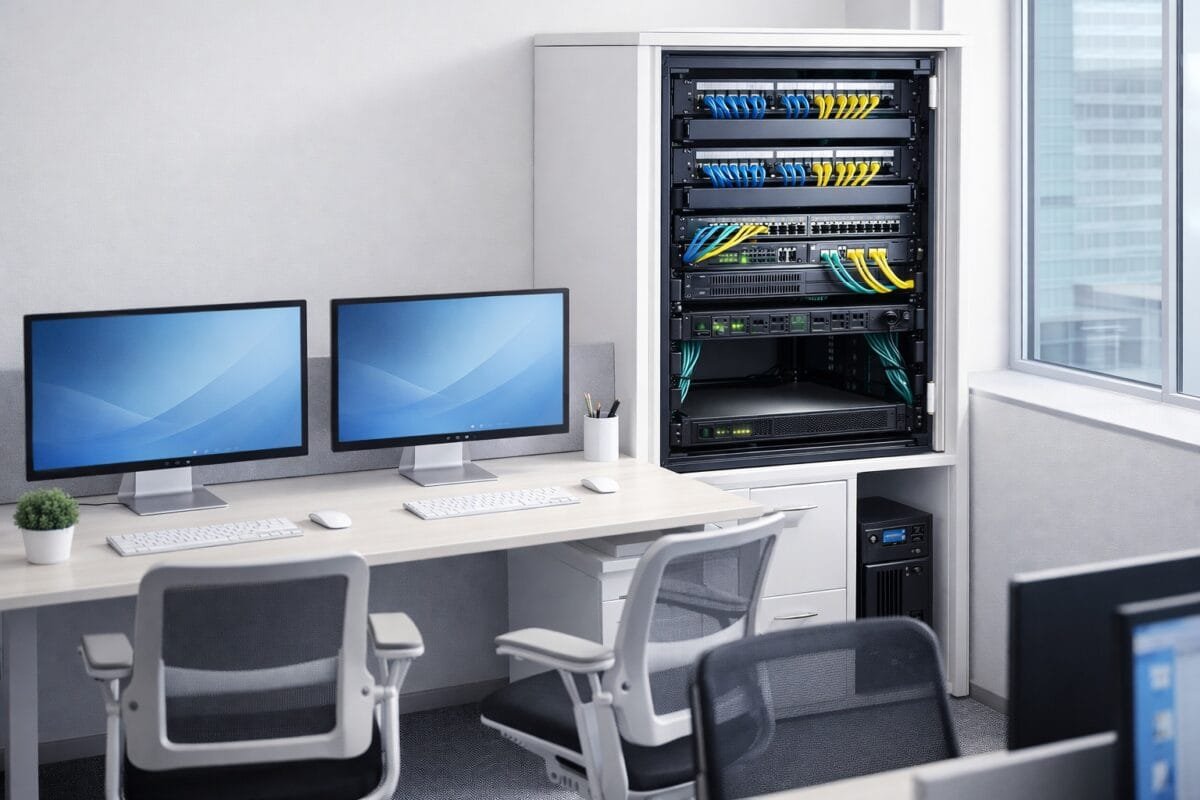
In modern ICT infrastructure, network switches are the central nervous system of rack-based networks. While rack cabinets provide structure and PDUs deliver power as explained in the previous post, it is the network switch that controls how data flows, how devices communicate, and how performance and security are enforced.
Whether you are designing an office network, deploying CCTV systems, or building a small server room, understanding network switches is critical to creating a reliable, scalable, and a future-ready infrastructure. But first things first, let us understand what a network switch is.
What Is a Network Switch and Why Is It Important?
A network switch is an active networking device that connects multiple devices within a local area network (LAN). Unlike hubs, switches intelligently forward traffic only to the destination device, improving efficiency and reducing unnecessary congestion.
In rack-based networks, switches sit at the center of:
- Structured cabling systems
- Servers and storage
- Wireless access points
- IP cameras and access control systems
- VoIP phones and PBXs
Without a properly designed switch layer, even high-quality cabling and equipment will fail to deliver expected performance.
The Role of Network Switches in Structured Cabling Systems
In professional installations, network cables never connect directly to switches from wall outlets. Instead:
- Horizontal cabling terminates on patch panels
- Short patch cords link patch panels to rack-mounted switches
- Switches distribute traffic to servers, routers, and uplinks
This design:
- Protects switch ports from wear
- Simplifies fault isolation
- Improves cable management
- Supports international structured cabling standards (TIA/EIA)
Types of Network Switches Used in Rack-Based Networks
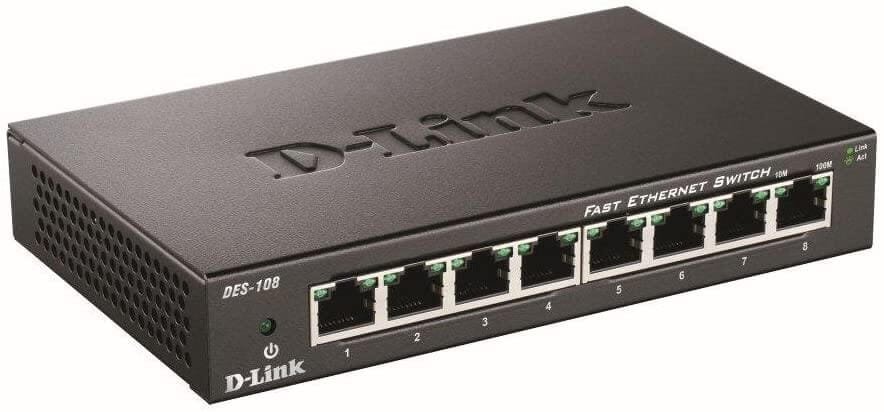
Unmanaged Network Switches
Unmanaged switches operate with no configuration or monitoring.
Use cases
- Very small offices
- Temporary setups
- Non-critical environments
Limitations
- No VLAN support
- No traffic prioritization
- No security controls
They are rarely recommended for structured cabling or rack-based networks.
Managed Network Switches
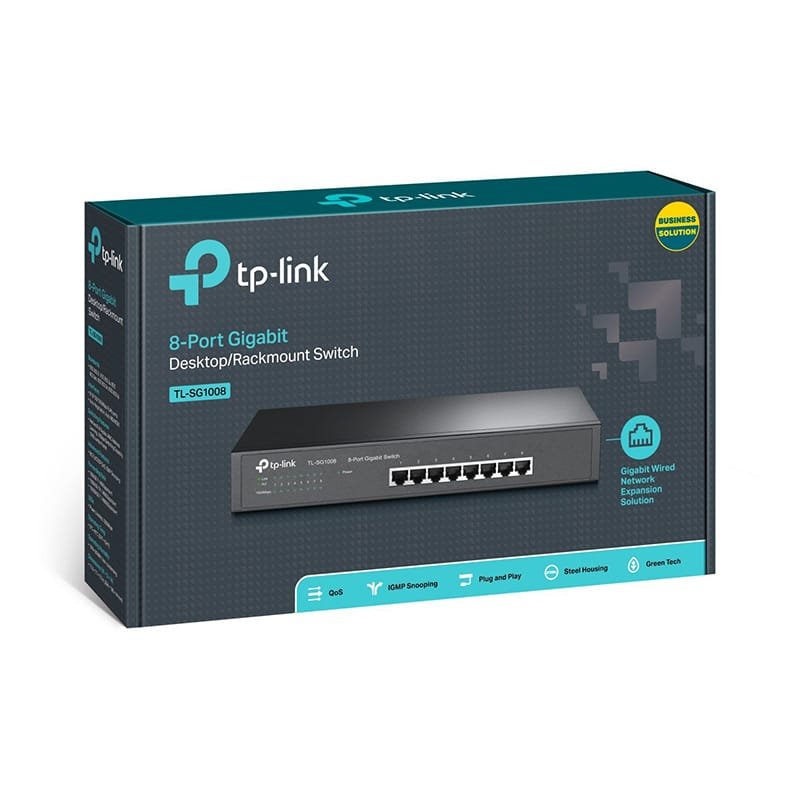
Managed switches provide full administrative control and are the standard choice for modern racks.
Key features
- VLAN segmentation
- Quality of Service (QoS)
- Port mirroring and diagnostics
- SNMP monitoring
- Remote web or CLI management
Best for
- Business networks
- Data racks and server rooms
- CCTV and enterprise Wi-Fi deployments
Smart (Web-Managed) Switches
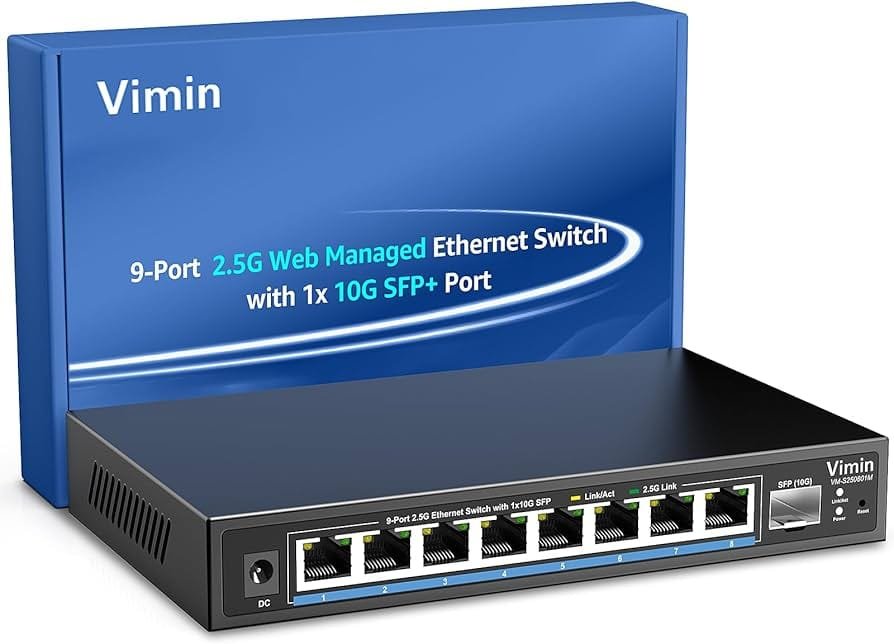
Smart switches offer limited management at a lower cost.
Ideal for
- SMEs
- Growing networks
- Budget-conscious installations
They provide a practical balance between cost, performance, and control
Power over Ethernet (PoE): Why Switches Do More Than Data
One of the most valuable features of modern switches is Power over Ethernet (PoE). PoE allows switches to deliver both data and electrical power over a single Ethernet cable.
Devices Commonly Powered by PoE
- IP cameras
- Wireless access points
- VoIP phones
- Access control readers
PoE Standards Explained
- PoE (802.3af): Up to 15.4W
- PoE+ (802.3at): Up to 30W
- PoE++ (802.3bt): Up to 90W
When planning PoE switches, installers must consider:
- Total PoE power budget
- Cable category and length
- PDU and UPS capacity
This makes PoE switches a critical link between networking and power infrastructure.
Switch Port Density, Speed, and Uplinks
Choosing the right network switch is not only about brand but also about capacity planning.
Key Considerations
- Port count: 24-port vs 48-port switches
- Speed: 1GbE, 2.5GbE, or 10GbE
- Uplinks: SFP/SFP+ for fiber backbones
- Stacking: Simplified management and redundancy
As Wi-Fi 6/6E and high-resolution CCTV systems increase bandwidth demand, higher-speed uplinks become essential for avoiding bottlenecks.
Network Switch Placement Inside the Rack
A professional rack layout improves performance and maintainability.
Best-practice layout
- Patch panels at the top
- Switches directly below
- Horizontal cable managers between sections
- PDUs and UPS units lower in the rack
This layout:
- Improves airflow
- Reduces cable strain
- Enhances troubleshooting speed
- Creates a clean, professional appearance
Network Security Starts at the Switch
Modern managed switches are foundational to network security.
Security Features Enabled by Switches
- VLAN isolation (e.g., CCTV vs office traffic)
- Port security and MAC address control
- Access control lists (ACLs)
- Storm control and traffic limiting
A well-configured switch reduces risk and improves compliance with ICT security best practices.
Common Network Switch Mistakes to Avoid
- Using unmanaged switches in rack installations
- Ignoring PoE power requirements
- Underestimating future expansion
- Poor labeling and documentation
- Blocking airflow with excess cabling
These mistakes often result in downtime, overheating, and expensive upgrades.
Best Practices for Deploying Network Switches
- Match switch performance to cable category
- Use managed switches for business environments
- Label ports clearly and consistently
- Separate data and power cabling
- Monitor switch performance proactively
These practices align with professional ICT standards and improve long-term reliability.
